Azure Cognitive Services - Custom Vision
Image and Object Detection Classifiers
PROJECT OVERVIEW
Goal: A custom vision, cognitive service that lets you build, deploy, and improve your own image classifiers.
Status: Completed; 2018-2019. Active Service.
MY ROLE
I was the Taxonomist (contract) on my team, and:
Created taxonomic and metadata schemas for image datasets
Conducted inventory of image data
Managed image data and metadata on CMS
Acted as a liaison between internal stakeholders to carry out deliverables and requirement requests
Delivered requirements for annotation services
Assisted ML Engineers, Data Scientists, and other stakeholders to assess data quality testing
Managed 3rd party vendor annotation services
SKILLS APPLIED
Metadata Schema
Sketching/Storyboarding
Taxonomy
User Research
Content Inventory
Content Management
Data Quality Testing
Excel/Google Sheets
INTRODUCTION
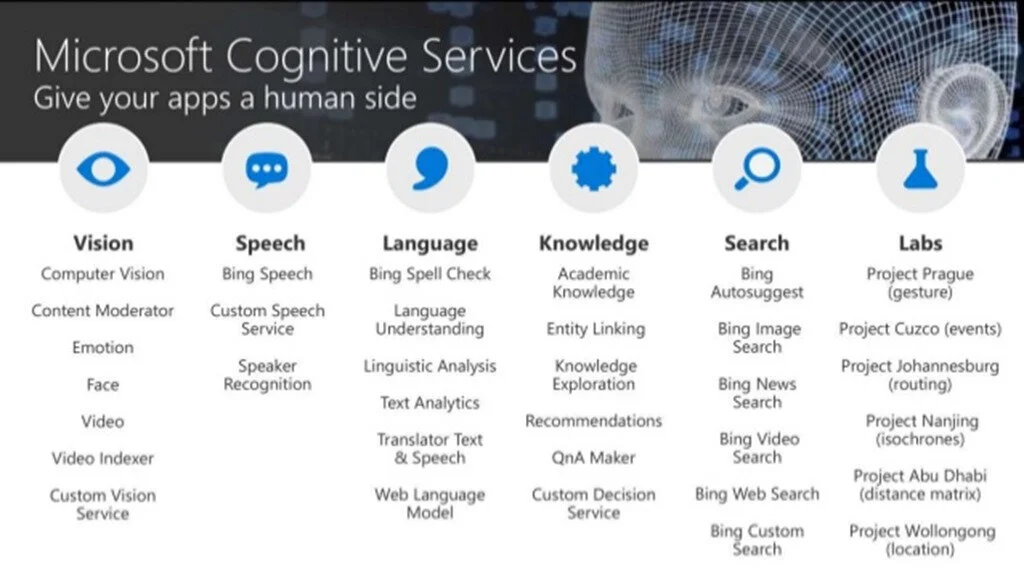
During my time with Microsoft I was a part of Azure Cognitive Services. Azure Cognitive Services are APIs, SDKs, and services available to help developers build intelligent applications without having direct AI or data science skills or knowledge. Azure Cognitive Services enable developers to easily add cognitive features into their applications. The goal of Azure Cognitive Services is to help developers create applications that can see, hear, speak, understand, and even begin to reason. The catalog of services within Azure Cognitive Services can be categorized into five main pillars - Vision, Speech, Language, Web Search, and Decision.
What is Custom Vision
I was specifically under the vision pillar, in the Custom Vision Group (CVG). The service was responsible for allowing developers to build custom image classifiers.
The Custom Vision service uses a machine learning algorithm to apply labels to images. Azure Custom Vision is an image recognition service that lets you build, deploy, and improve your own image identifiers. An image identifier applies labels (which represent classes or objects) to images, according to their visual characteristics. Unlike the Computer Vision service, Custom Vision allows you to specify the labels and train custom models to detect them.
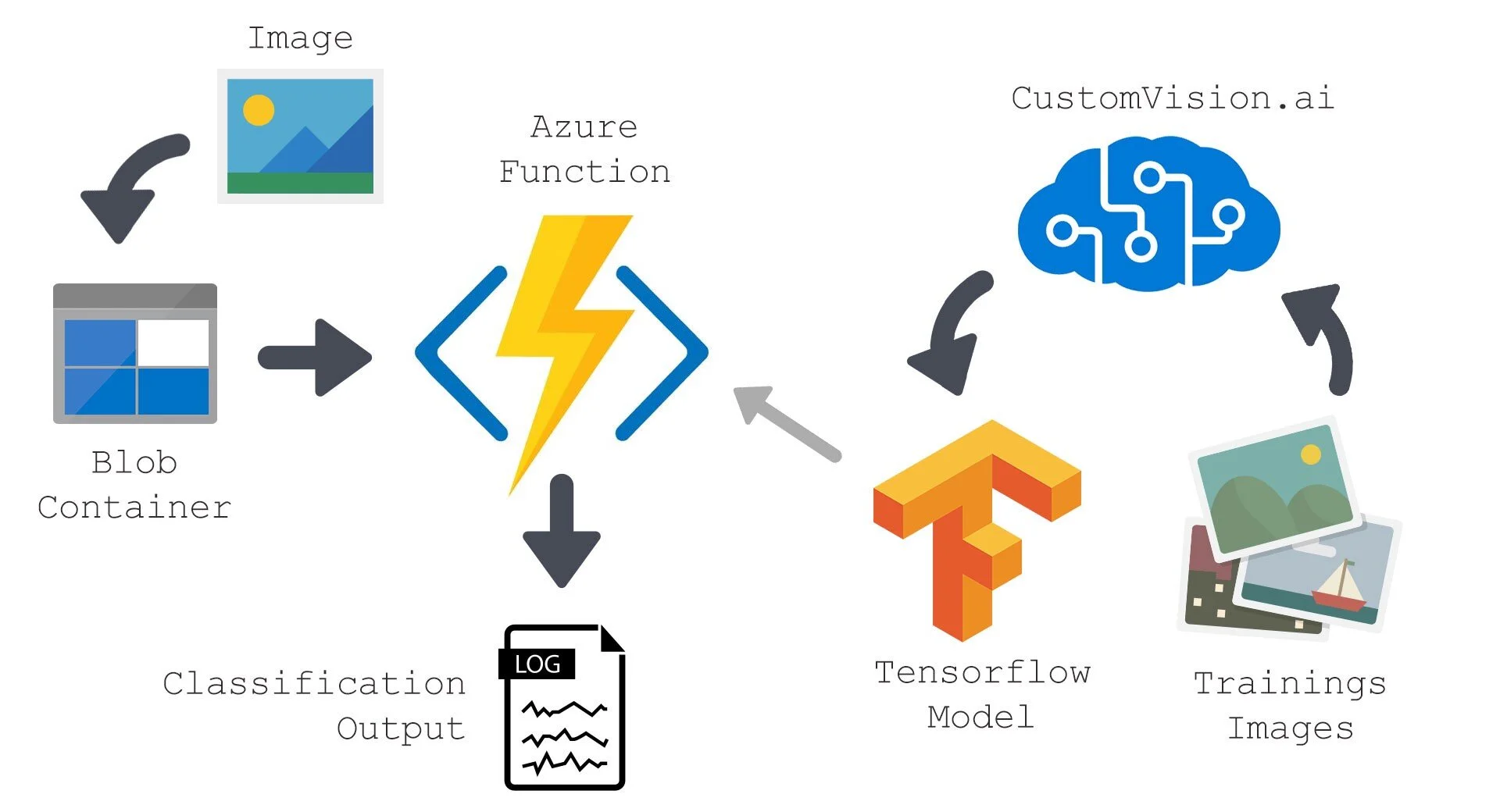
For Example, you, the developer, must submit groups of images that feature and lack the characteristics in question. You label the images yourself at the time of submission. Then the algorithm trains to this data and calculates its own accuracy by testing itself on those same images. Once the algorithm is trained, you can test, retrain, and eventually use it to classify new images according to the needs of your app. You can also export the model itself for offline use. Below is a high level model of the Custom Vision Service workflow.
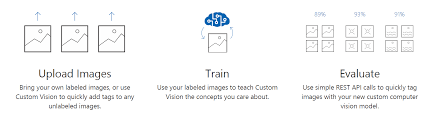
Image Classification and object detection
Custom Vision functionality can be divided into two features. Image classification applies one or more labels to an image. Object detection is similar, but it also returns the coordinates in the image where the applied label(s) can be found.
TERMINOLOGY
Custom Vision - a cognitive service that lets you build, deploy, and improve your own image classifiers. Custom Vision allows you to determine the labels to apply.
Image classifier - an AI service that applies labels (which represent classes) to images, according to their visual characteristics.
Image classification - applies one or more labels to an image.
Object detection - similar to image classification, also returns the coordinates in the image where the applied label(s) can be found.
PROBLEM
CVG did not have labels previously created to classify various objects in the image assets. Without labels there was no proper structure nor consistency between objects to denote what domain specific concepts belonged. The classifiers CVG were going to build needed to have a standardized control vocabulary of labels to use for specific domains. This also called for a metadata schema of associated/alternate terms.
Design question: How should I design multiple taxonomies and ontologies to enable image classification and object detection classifiers to work?IDENTIFY GOALS
During my time on the project, I worked with members of the CVG and other internal Microsoft groups to deliver requirements for all taxonomic work for the classifiers. The following were identified as those goals:
Create taxonomic hierarchies for domain related concepts, as well as images specific objects (logos, named products, etc.) found within image assets
Distinguish domain categorization between image classification and object detection.
Evaluate the data quality against proposed taxonomies
Use annotation service to deliver training and evaluation against proposed taxonomies
DOMAINS
DATA ANALYSIS
We next set out to select the user research methods that would help us learn more about our users and identify design opportunities. To begin, we first identified our product’s stakeholders as anyone wanting to gain educational content from media sources to teach or attain knowledge from. Our user research participants thus included a mix of faculty and students. We looked into similar university programs that had accomplished the same type of service we wanted to implement. Then did demographic research that approximated our university's population. We also solicited a survey to find out what students might like from an educational streaming service.
SCHEMA CREATION
TAXONOMY
After eliciting design requirements from our user research, we embarked on the design process and sketched a plethora of possible design solutions. Many of our initial designs were full-fledged experiences that integrated one or more Internet of Things (IoT) devices and technology. These experiences offer users data-driven recommendations throughout their mornings. For example, a smart closet would offer outfit suggestions based on the weather, user’s closet items, and user’s agenda for the day.
ONTOLOGY
After these steps were finished I start to dive in and create the simple pages to test that the process would work from start to finish. Then gave this simple version to a three groups of users (One round of staff and two rounds of work study students). I designed a survey and collected a few informal interview type questions to figure out how well the beta version came across. After initial feedback and changes to the design and implementation of the process itself. This part of the process ran smoother and quicker than the others due to the informal nature and the work being done primarily by myself at this stage. If I have to complete this part again, I would have taken the time to do a focus group and had another member of the staff help me design a more formal survey and interview to elicit responses I might not have looked for or seen.
The last step in the process was working with the management policy team. Five crucial members of the Library staff came together (for close to a year), deciding on the correct language and needs that were to be met in the final policy.
Overall the experience taught me what it is like working with a big team, to manage multiple groups, how to listen and communicate, to respect ideas, to keep focus, to learn new skills, to practice old skills, to research ideas, to test ideas, and how to build a system that serves a wide audience.
FINDINGS & RECOMMENDATIONS
After doing research for the project there were a couple of recommendations I had for creating taxonomies. At the time, we were looking at too many distinct and large domains. If we settled on a small set of domains and increased the number of target images per domain concept we would have better performance and less overlap. The object detection classifier taxonomies were much easier once the team and I agree exactly which ones they would be. I discovered after labeling and creating a taxonomy of iconography that applying the same logic to logos and brands in images would return better performance.
RESULTS
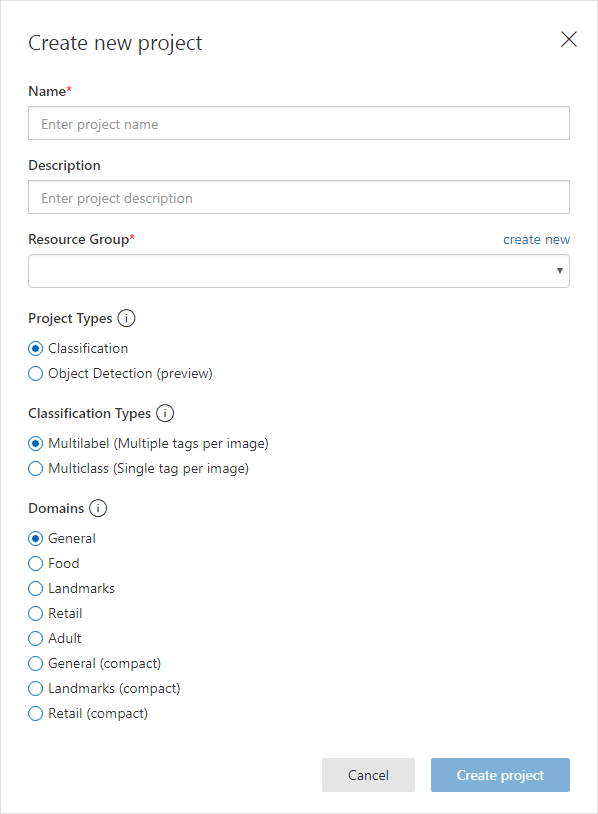
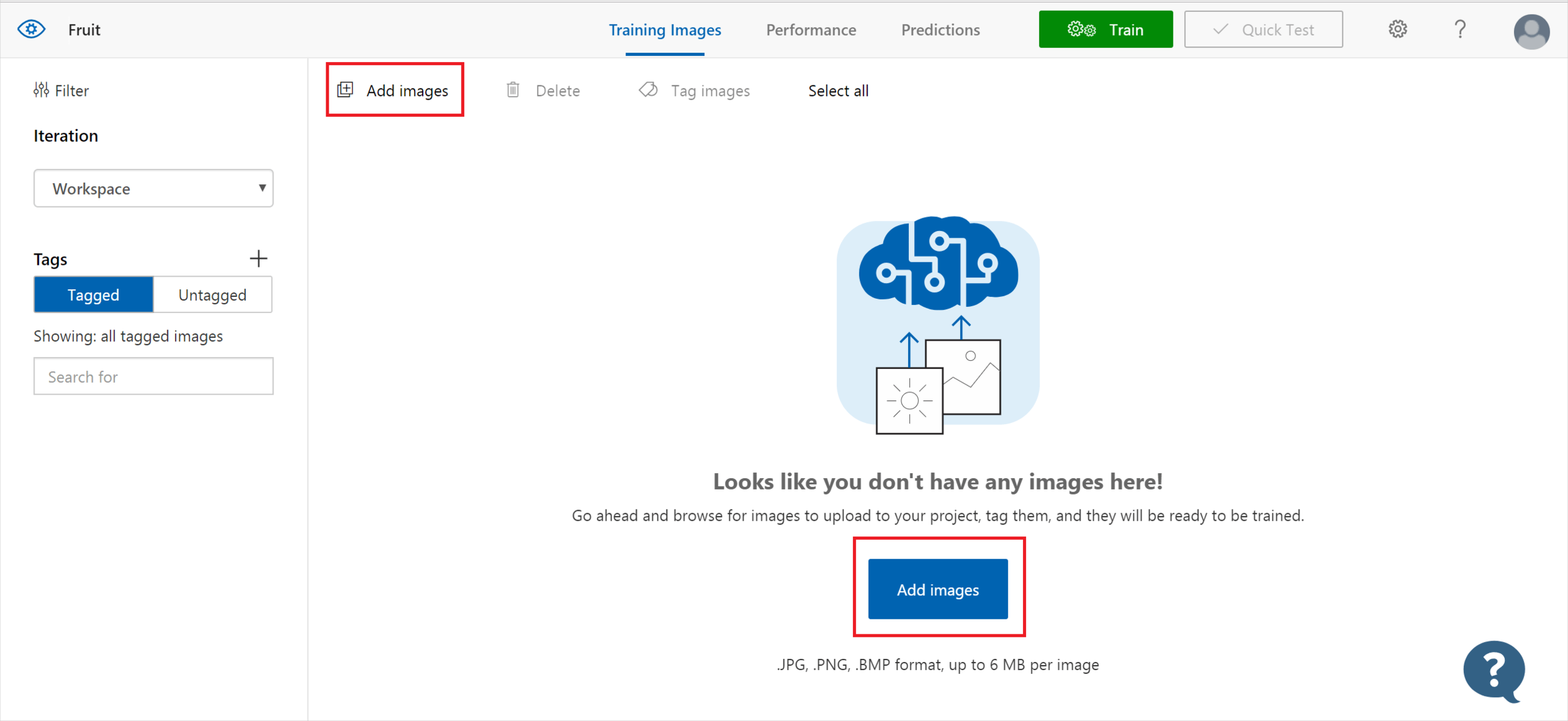
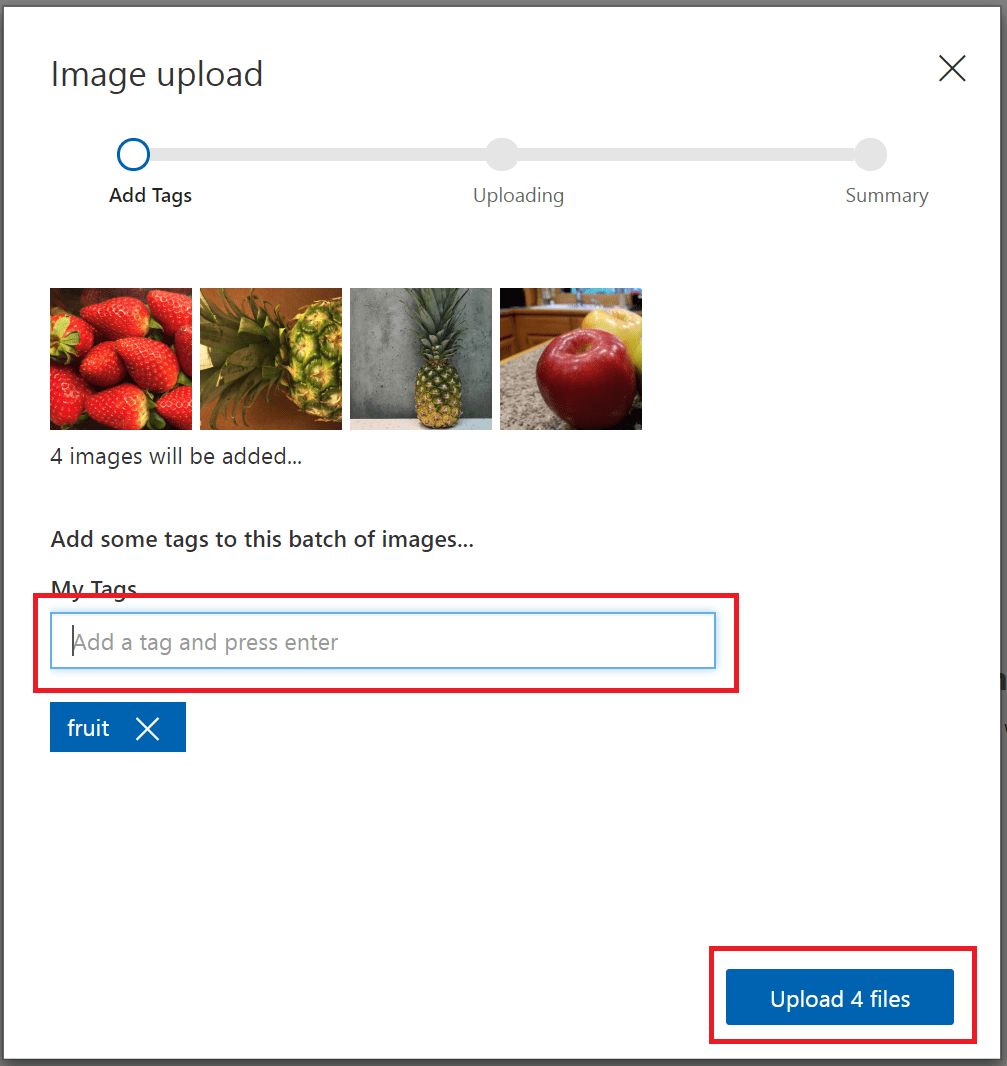
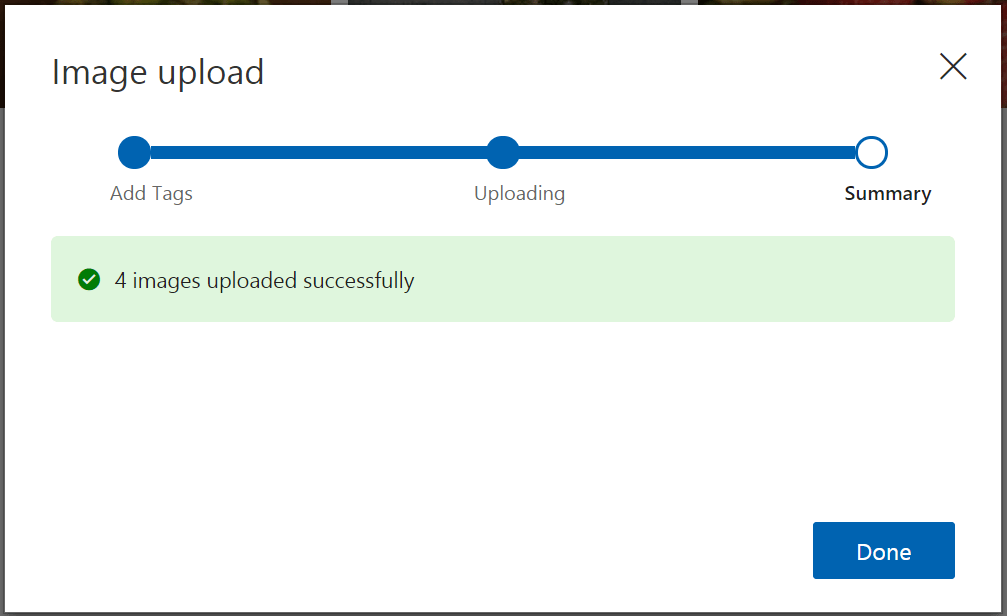
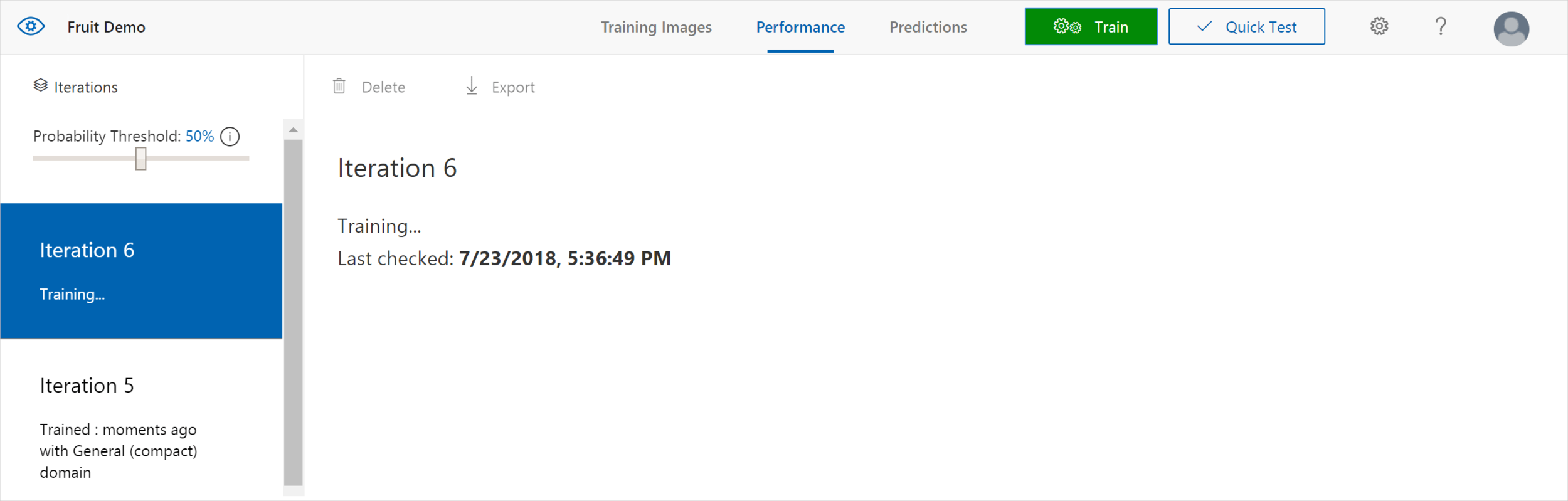
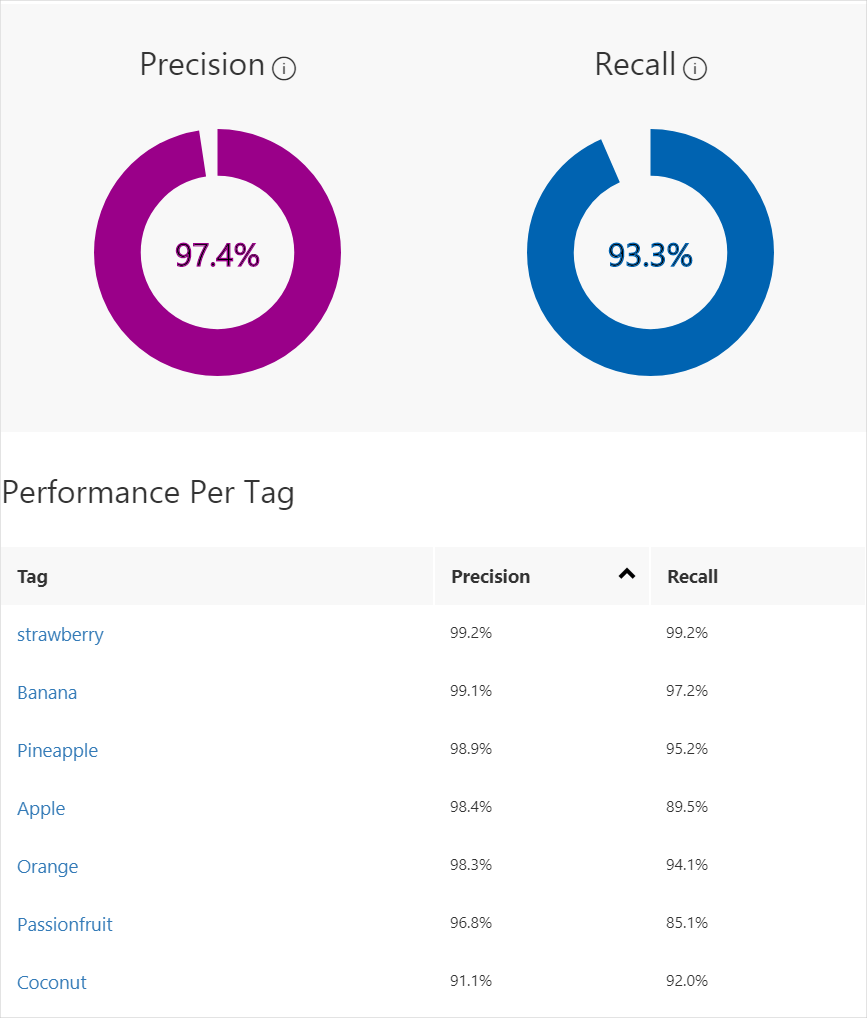
I was a part of the CVG for 7 months, where in that time I was able to design and iterate on a numerous taxonomies. We were getting close to the deployment stage when I left. However, the work I did did come through in the version that is live today. In the images to the right, you can see the image classifier and the domains and categories I had put in place to create models.
KEY LEARNING POINTS
This project helped me to understand the NLU world. Before this project I had not worked much with NLU. I did not know how taxonomies, ontologies, or metadata could intersect with data scientist. I came from a library environment and just had not made those connections yet in my career. That is why this position I think of as my favorite. The one that gave me so many opportunities to learn in one of the best working environments I have ever known and to ask about anything to learn about learn NLU. Before I walked in I really did not know how to code in anything but html and css. When I left I knew Javascript and python. It gave me the understanding of how this work could be applicable to so many things we interact with on a day to day basis. It helped unlock a curiosity in me I was not expecting but have been glad for everyday since.
This project gave me a deeper insight into stakeholders and downstream User Experience. I had previously done work in social media and at the library. However, here I was tasked with the responsibility to shape the experience of internal stakeholders from other Microsoft groups that would use our product. I had to rely heavily on my PM to help guide me through the process of onboarding stakeholders and getting necessary deliverable requirements. From these interactions I gained valuable experience understanding what people are looking for and what types of questions to ask (and not to ask) in order to get the necessary information from them. This experience opened my eyes to ways in which we (as designers) empathize, define, design, prototype, iterate, and evaluate designs to come up with a satisfying solution. One that can only be iterated again and again to make the experience better for everyone.
Factors like taxonomies, ontologies, databases, inventories, guidelines, storage, and user flows are what combine to make a good user experience here. I also had my first interactions with many internal Microsoft products, python, javascript, and annotation services.